
Workspaces
Save and restore your Mac workspace in one click
Every project has its own set of apps, tabs, files and window positions. Save them as a workspace and reopen the whole desk in one click when you switch back, instead of rebuilding it by hand.
Restore the whole desk in one click
One click back to deep work
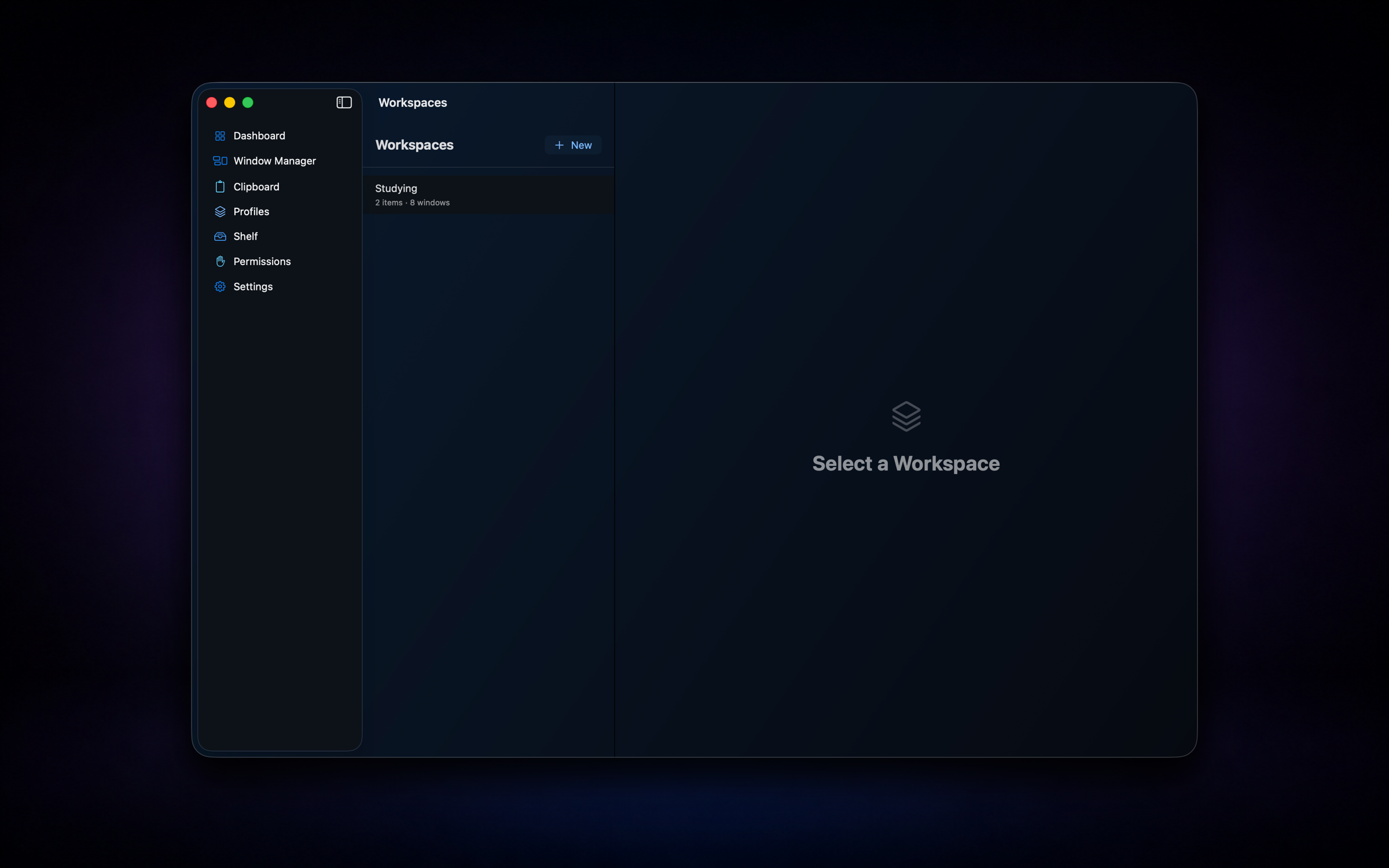
Save the apps, URLs, files, and window layout you need for a project, then restore the whole scene from the Workspaces view or menu bar when context switching kills your momentum.
- ✓Capture apps, URLs, files, and window positions
- ✓Launch from the Workspaces sidebar or menu bar
- ✓Restore layouts across displays when possible
- ✓Switch contexts without manually reopening everything
Workspaces are stored on your Mac. Restoring window positions uses the same Accessibility permission as window management.
One app instead of six
Workspaces is one part of Nodusly. The same app, license and 2 Macs also cover notch, window manager, window switcher, clipboard and file shelf. Everything runs locally, with no telemetry.
Questions
What does a workspace save?
The apps, URLs, files and window positions you choose for a project.
Does it work with more than one display?
Yes. Window layouts are restored across displays when possible.
Where do I open a workspace?
From the Workspaces sidebar in the app or from the menu bar.
Monthly starts with a 7-day free trial. Every charge can be refunded within 14 days.