
Nodusly
One Mac app for the utilities you already use
Notch, window tiling, Option-Tab switching, clipboard, workspaces, and shelf. Local on your Mac.
macOS 15+ · Apple Silicon & Intel
Nodusly Notch
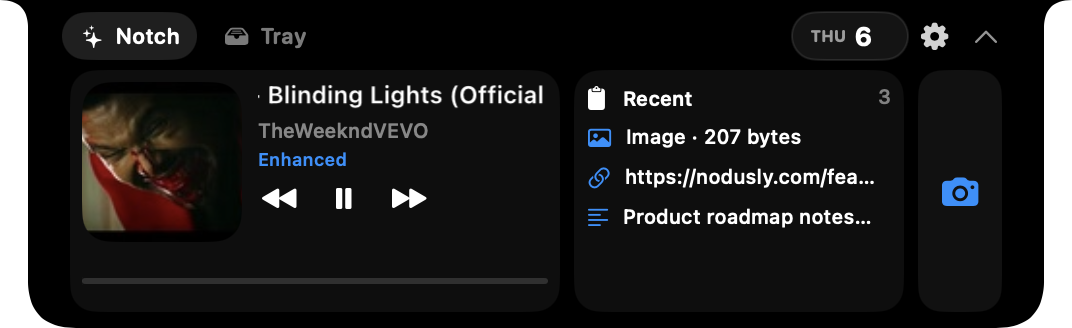
Look at the notch
Now playing, today's calendar, recent clipboard items, a camera mirror, and a file tray live in the notch. One surface instead of a stack of menu bar extras.
Window Manager
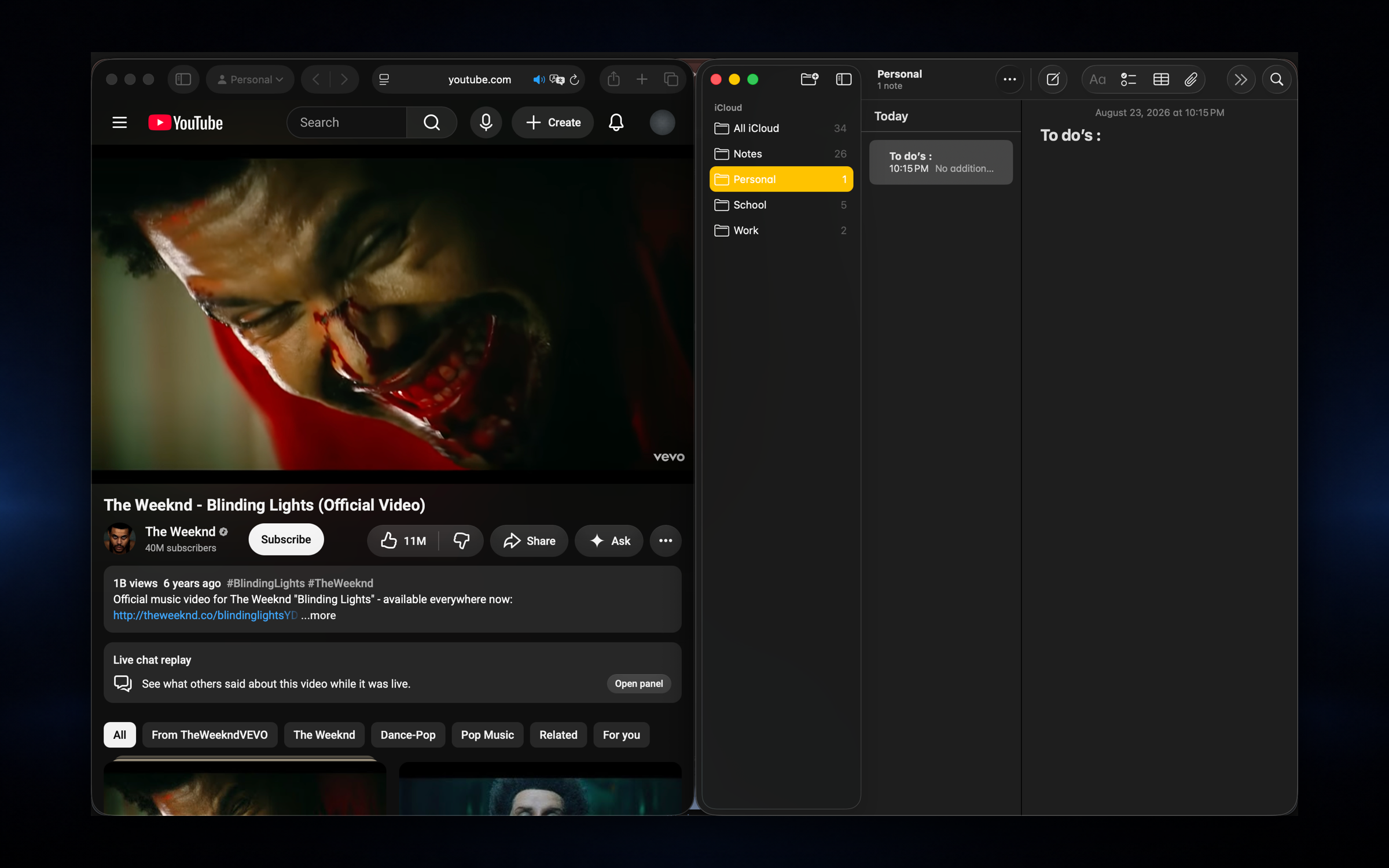
Snap windows without leaving the keyboard
Snap windows to halves, thirds, and quarters with global shortcuts you can trust. Move across displays, undo a bad resize, and stay in flow without reaching for the mouse.
- ✓Halves, thirds, quarters, center, and maximize
- ✓Send windows to another display in one keystroke
- ✓Undo the last move when you overshoot
- ✓19 built in global shortcuts (Rectangle style defaults)
- ✓Optional trackpad gestures for quick tiling
Window Switcher
Switch real windows, not just apps
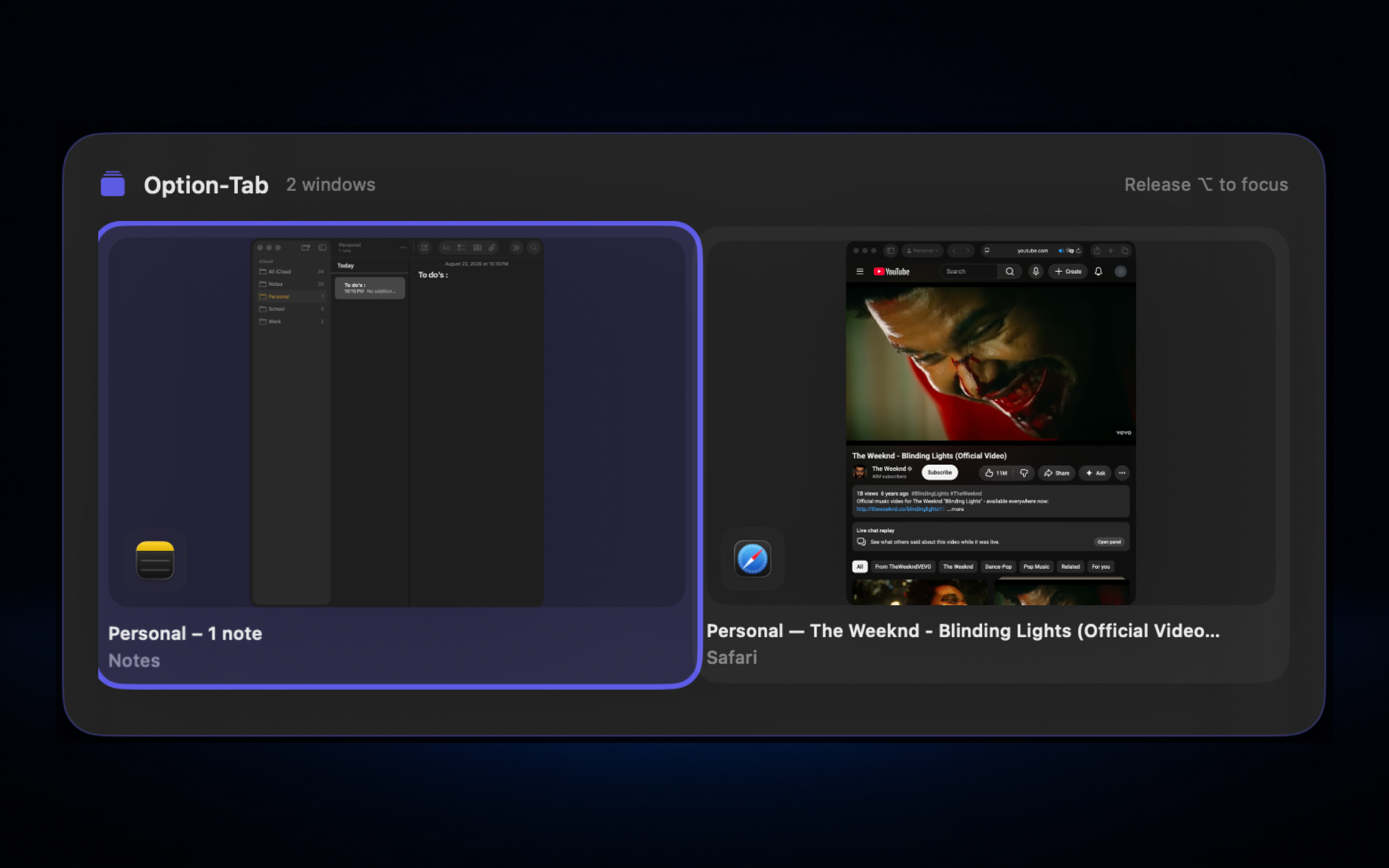
Hold Option and press Tab to cycle open windows in a grid with optional thumbnails. A lighter take on dedicated switcher apps, built into Nodusly.
- ✓Option+Tab forward, Shift+Option+Tab reverse
- ✓Grid of real windows, not just apps
- ✓Optional still thumbnails or app icons
- ✓Release Option to focus the selected window
- ✓Works alongside Apple's Command+Tab
Encrypted Clipboard
Copy once. Find it again.
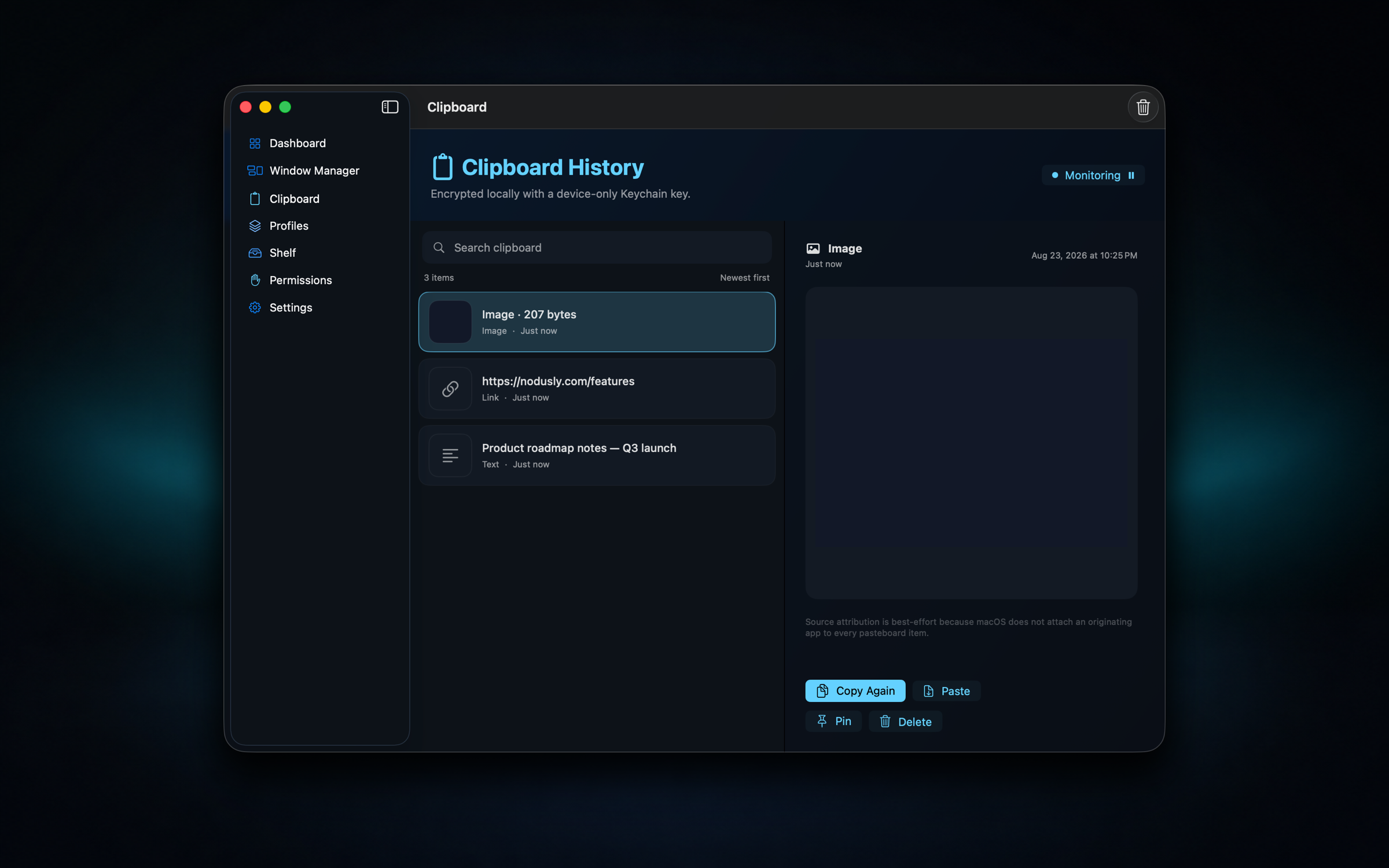
Text, links, images, and files you copied hours ago, searchable, pinnable, and encrypted on your Mac. Your clipboard history shouldn't live in someone else's cloud.
- ✓Unified timeline for text, links, images, and files
- ✓Search, pin favorites, and paste again in one click
- ✓AES-GCM encryption with a key stored in Keychain
- ✓500 items or 30 days, whichever comes first
- ✓Local product data with no sync or telemetry
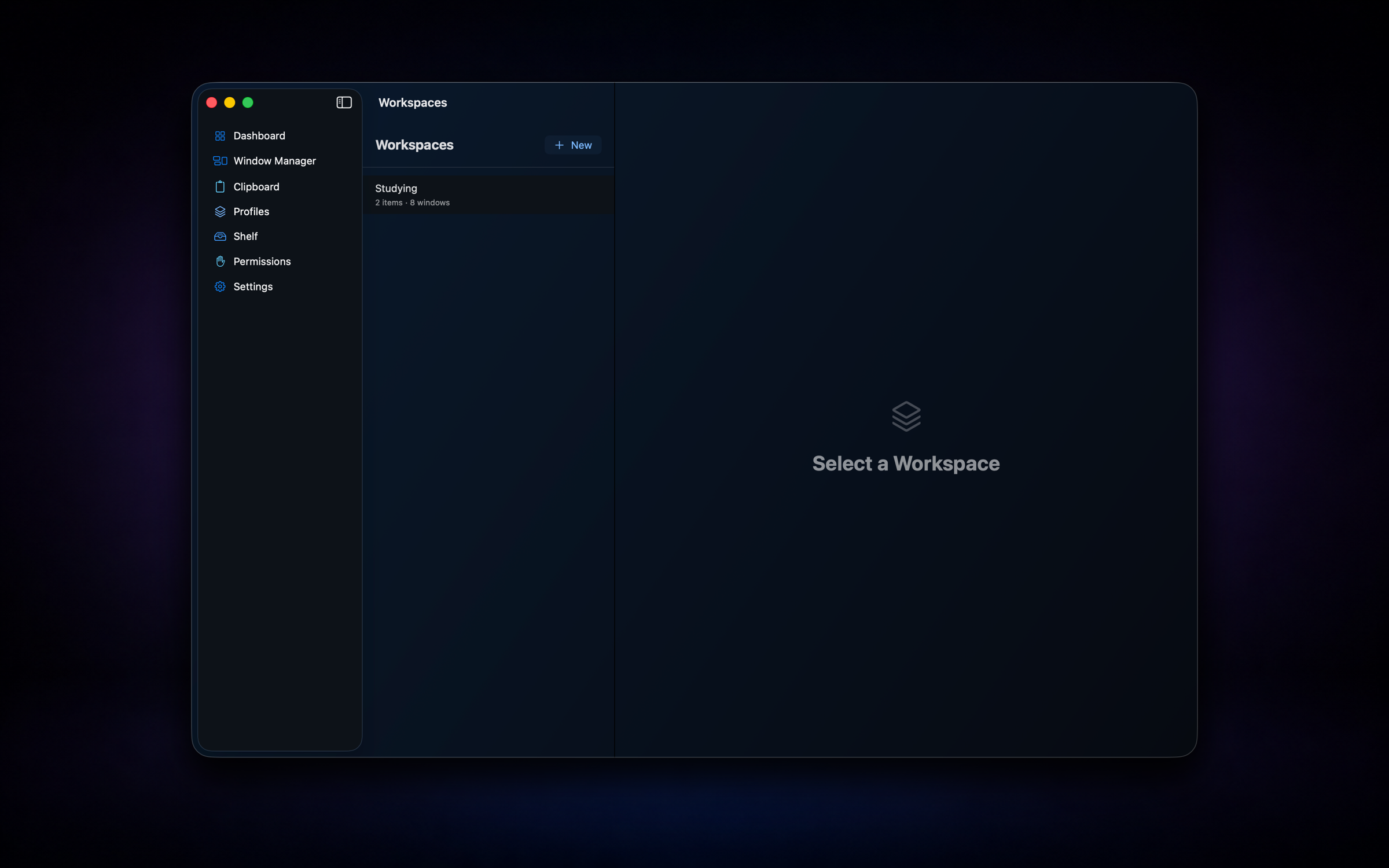
Workspaces
Restore the whole desk in one click
Save the apps, URLs, files, and window layout you need for a project, then restore the whole scene from the Workspaces view or menu bar when context switching kills your momentum.
- ✓Capture apps, URLs, files, and window positions
- ✓Launch from the Workspaces sidebar or menu bar
- ✓Restore layouts across displays when possible
- ✓Switch contexts without manually reopening everything
Nodusly Shelf
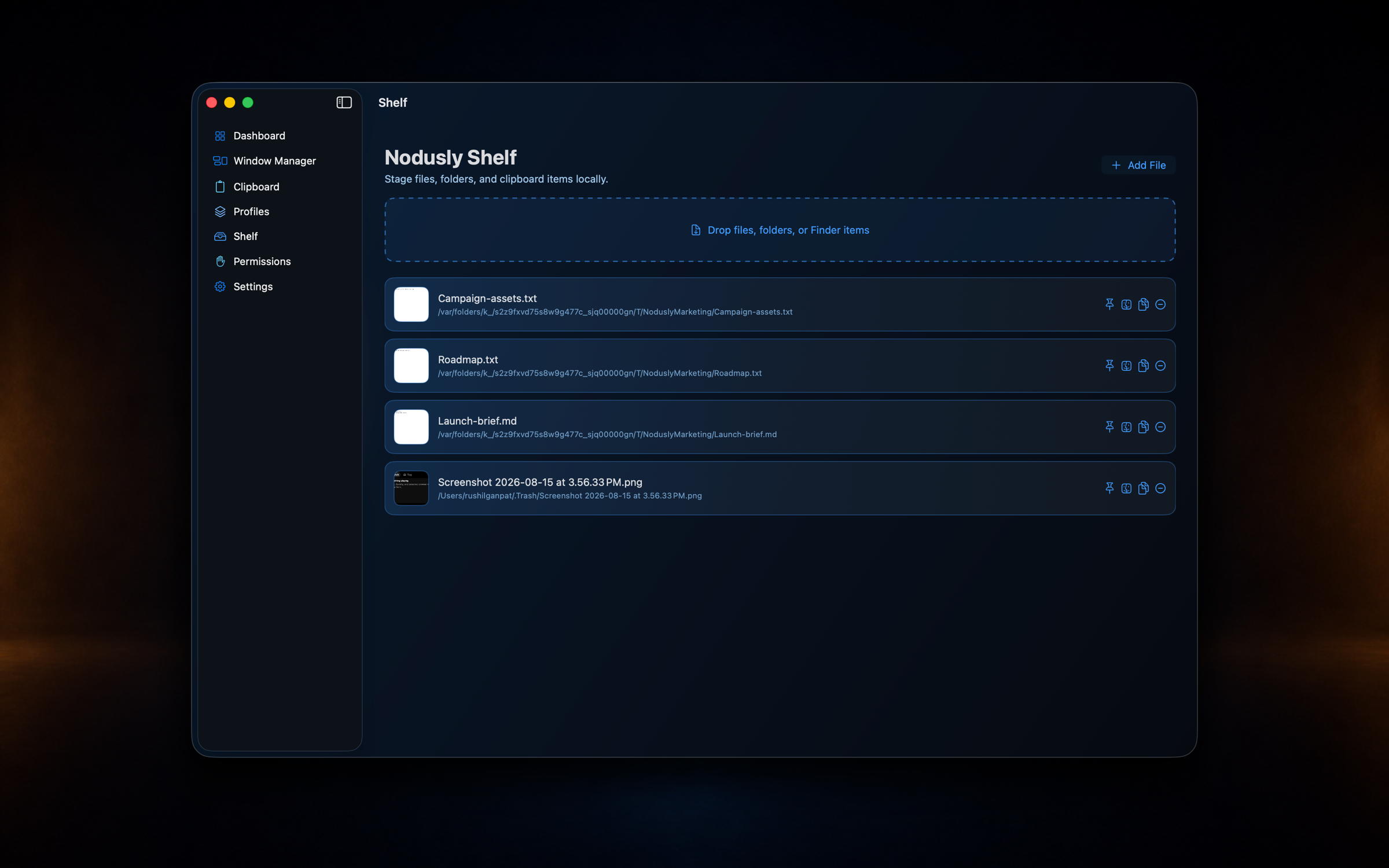
Park files until you know where they go
Stage files and folders before you know exactly where they belong. Drop in, pin what matters, then AirDrop, reveal in Finder, or drag out when you're ready.
- ✓Drop files and folders into a staging surface
- ✓Open from the notch tray in one click
- ✓Pin, reveal in Finder, copy path, or AirDrop
- ✓Security scoped bookmarks keep access reliable
Pricing
Choose your plan
One local Mac app. Pick a plan when you're ready.
Get notified when your plan goes live.