
Window Manager
A keyboard window manager for Mac
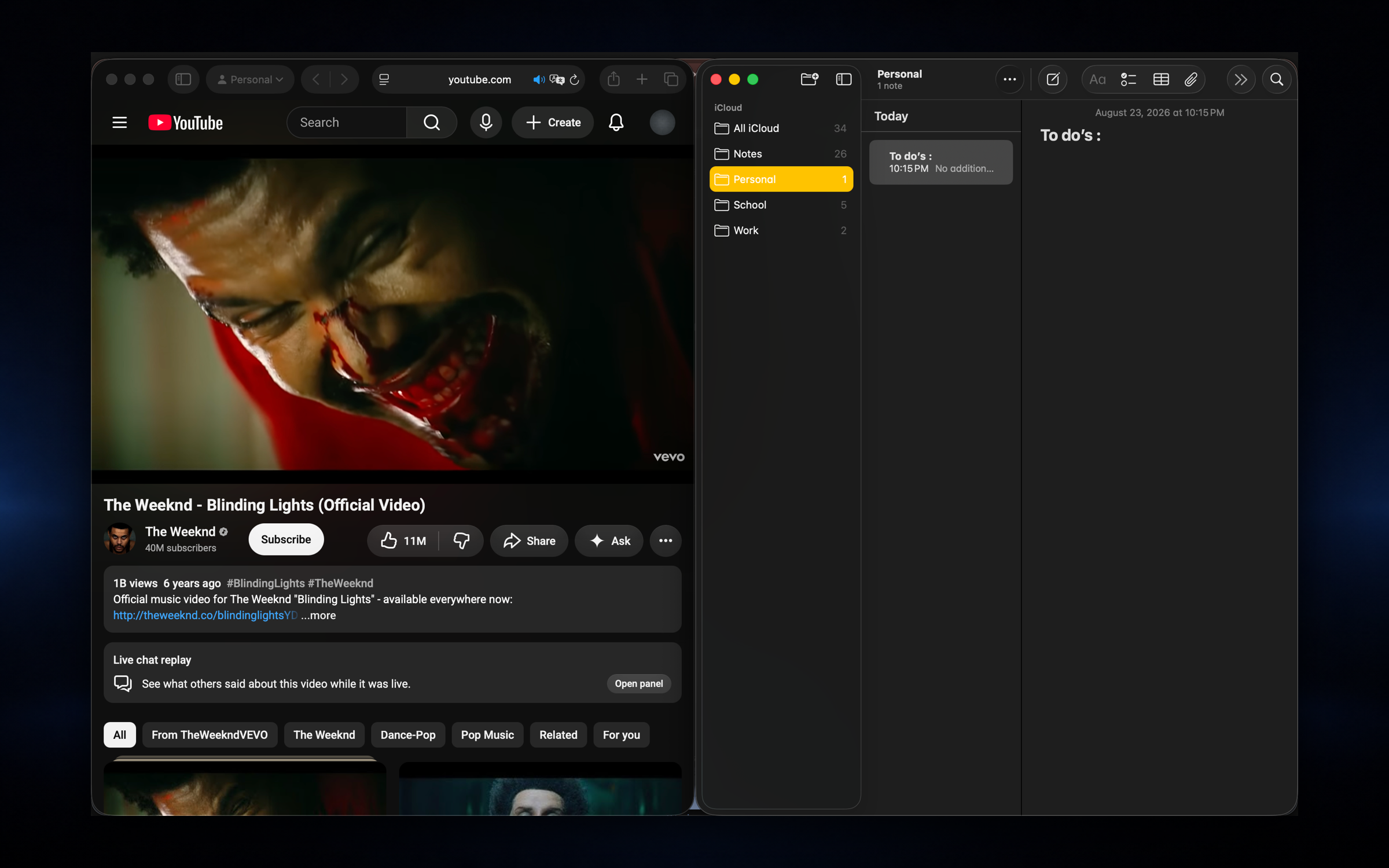
Snap any window to a half, third or quarter of the screen, center or maximize it, or send it to another display, all from the keyboard. The defaults follow Rectangle, so if you have used it before your fingers already know the shortcuts.
Snap windows without leaving the keyboard
Tiling shortcuts that just work
Snap windows to halves, thirds, and quarters with global shortcuts you can trust. Move across displays, undo a bad resize, and stay in flow without reaching for the mouse.
- ✓Halves, thirds, quarters, center, and maximize
- ✓Send windows to another display in one keystroke
- ✓Undo the last move when you overshoot
- ✓19 built in global shortcuts (Rectangle style defaults)
- ✓Optional trackpad gestures for quick tiling
Moving windows uses macOS Accessibility permission, which Nodusly asks for only when you turn window management on.
One app instead of six
Window Manager is one part of Nodusly. The same app, license and 2 Macs also cover notch, window switcher, clipboard, workspaces and file shelf. Everything runs locally, with no telemetry.
Coming from Rectangle? See how they compare.
Questions
How many shortcuts are there?
19 global shortcuts out of the box: halves, thirds, quarters, center, maximize, moving to another display and undo. Optional trackpad gestures cover quick tiling too.
Why does it need Accessibility permission?
macOS only lets apps move and resize other apps' windows through the Accessibility APIs. Nodusly uses it for window features you enable and nothing else.
Is it a Rectangle alternative?
For most people, yes: the shortcuts follow Rectangle's defaults. If you rely on deep custom layouts, a dedicated tiling app may still suit you better.
Monthly starts with a 7-day free trial. Every charge can be refunded within 14 days.